

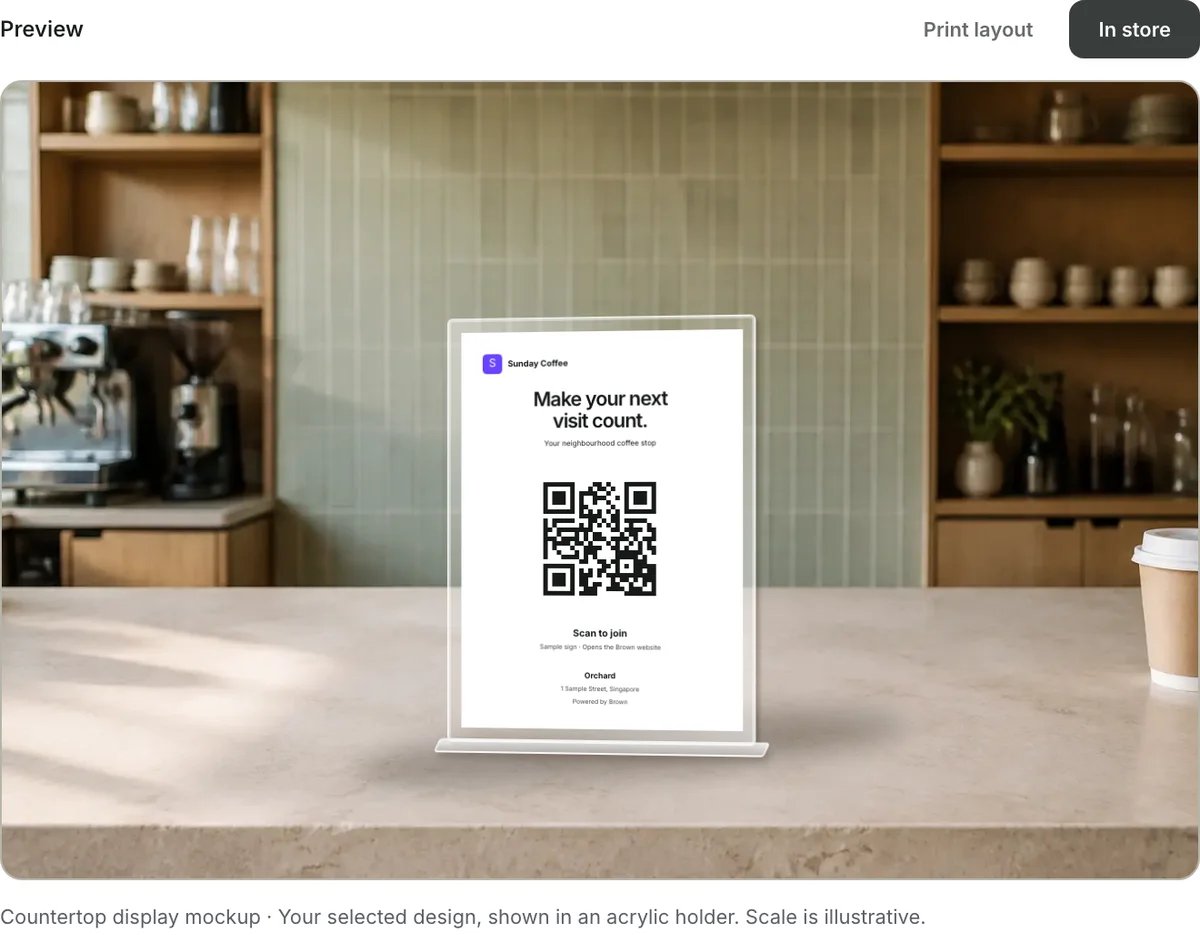
Actual Branding In store preview, using demo data. The holder is illustrative and not supplied.
Sign controls
Fold sections and edit text
Sign design and colours use fixed Kardy branding, with dark QR ink on white. Merchant brand colours do not change the sign. Storefront and wallet-card customisation remain available separately. Use Hide / Show on a settings section to fold or reopen it without losing its current values. Folding settings does not remove that content from the sign. Sign text controls the headline, supporting text, scan label and instructions. Clear supporting text or instructions to hide those lines. Blank headlines and scan labels use default wording. Text edits are not saved; print or save a PDF before leaving.Show on a phone or laptop
Phone screen and Laptop screen default to Match printed sign, sharing its design, format, text and QR colour. Choose Screen layout for a screen-first composition, and choose the display size. Background colours are fixed. Screen appearance changes are not saved. Fullscreen depends on browser support; this is not a locked kiosk, and Kardy does not prevent the device from sleeping. See screen-display instructions and previews.Print and check
Follow Print and display your join QR for outlet selection, design previews, actual-size printing, A6 sleeves, placement and a final scan checklist. The exported artwork excludes the in-store scene and holder. A store-specific link records a new member’s signup outlet. It does not award a stamp, prove a visit or qualify a referral bonus. Demo signs do not enrol members into a live programme.Print and display your join QR
Prepare, print, fit and test your sign.
Join pages
What customers see after scanning.